What time is it anywhere?
Time or Day is a live world clock that shows the exact time of day — hours, minutes, and seconds — for any state, city, or country you search, with daylight saving handled automatically.
Countries and states can span several time zones. Search for a city when the exact local time matters. The day/night icon is based on local clock hours, not sunrise or sunset.
Your result will appear here. Search a place to see its live time and date.
Or jump straight to a city timezone guide, convert a specific time, the meeting planner, or the world timezone chart.
A Daily Clock With Hours, Minutes, and Seconds
Search a city to see its local date and a clock that refreshes every second. The time comes from your device, so enable automatic date and time if the reading appears wrong.
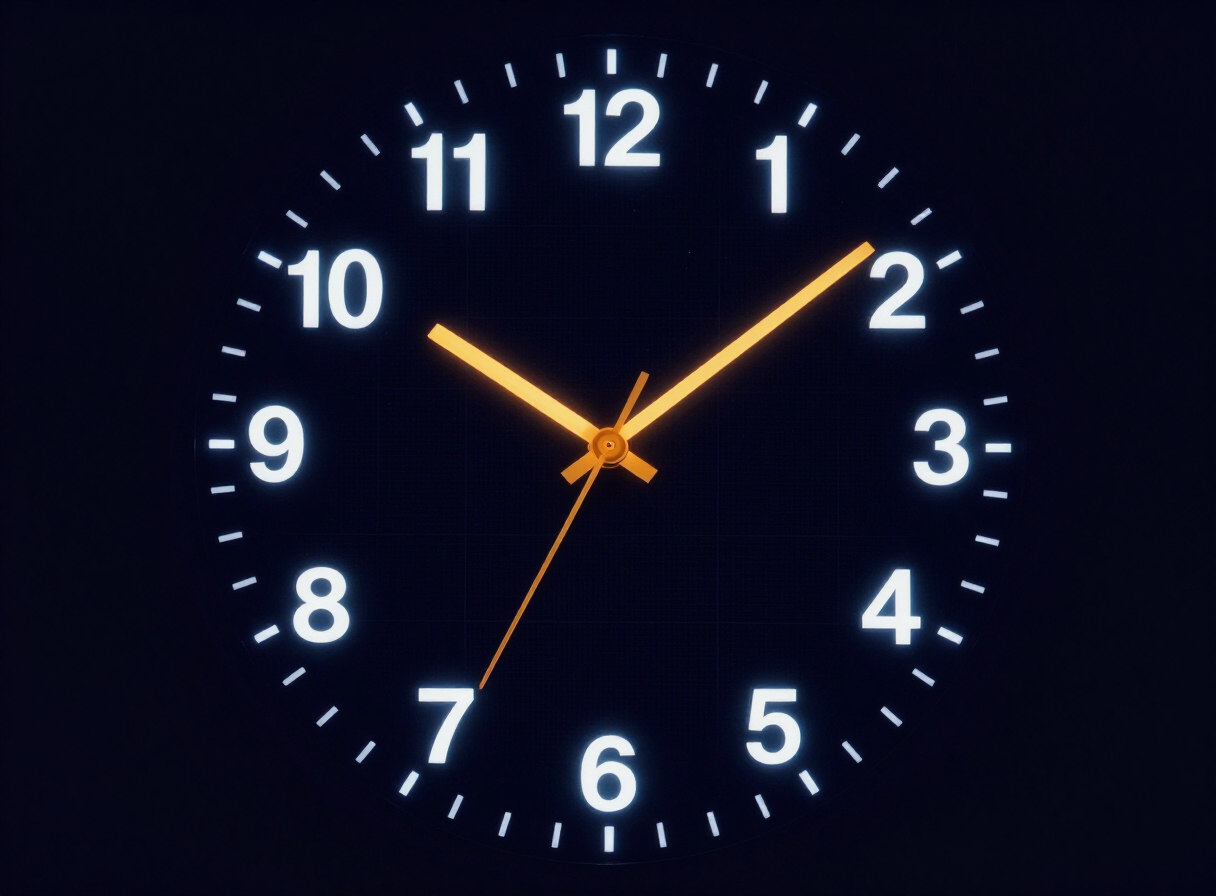
Exact Time of Day
The reading uses your device’s system clock and installed time zone rules. Keep your device updated when those rules change.
Seconds, Minutes, and Hours Together
Time and date share one readout, with hours, minutes, and seconds ticking live in a tabular font so the digits hold their width instead of jumping as they change.
A Clock for Any Place
Work, travel, or a 3 AM call — the same live clock covers every state, city, and country, free and with no sign-up.
How Time or Day Calculates Local Time
There is no “current time” API call behind each search. Time or Day reads your device’s system clock and asks the browser to render that instant for a given IANA zone, say America/New_York or Asia/Tokyo. The zone database behind that call is the same one shipping in macOS, Windows, and Linux, so it carries standard offsets, historical quirks, and daylight-saving rules in one package. A search in March and one in November can honestly disagree by an hour, and neither needs a manual toggle.
That matters most when two regions spring forward on different weekends. The US shifts in early March; the EU waits until late March. For those two or three weeks, “New York is five hours behind London” is simply wrong — it is four. A live conversion catches that; a memorized cheat sheet does not. If you run a recurring meeting across that gap, either re-check the offset each March and October, or build the invite with an explicit zone ID so every attendee’s calendar converts on its own.
One concrete pass: at 15:00 UTC in January, New York reads 10:00 (EST, UTC−5), London reads 15:00 (GMT), and Tokyo reads 00:00 the following day (JST, UTC+9). Run the same 15:00 UTC in July and New York jumps to 11:00 (EDT, UTC−4), London to 16:00 (BST, UTC+1), while Tokyo holds at 00:00 — only the US and UK sides moved, because Japan dropped DST in 1952 and never picked it back up. No fixed table survives that; the live conversion does.
Sources & freshness: offsets and DST rules come from the IANA time zone database (tzdata), the same open dataset used by Apple, Google, Microsoft, and Linux distributions. Time precision traces back to UTC via NIST and national timekeeping labs. The clock depends on your device’s time and its installed time zone rules; update your device if those rules are out of date.
Who This Site Is For
A single-city widget answers one question. This site tries to answer the next one — what you actually do with the time. A team lead in Berlin opens the meeting planner to find a slot that does not cost someone in Manila their evening. Someone flying into Tokyo checks the city guide for local time and clock-change context before they book. And the merely curious fall into the blog, the map, or the quiz and end up reading about Nepal’s 45-minute offset or why China runs a single zone from Kashgar to Shanghai.
Practical Tips for Cross-Border Scheduling
- When a thread crosses more than two zones, put the time in UTC in the email body — “15:00 UTC” — and let each person convert. It kills the “did you mean US Central or China Standard?” question before it starts.
- Rotate the painful slot. If the weekly sync always lands at midnight for Manila, move it next quarter so Berlin or Austin carries that weight instead.
- After each DST switch, open recurring invites and confirm they still land where you think. A surprising number of calendar tools drift when only one side of a pair changes clocks.
- Mind the half and quarter hours. India is UTC+5:30, Newfoundland UTC−3:30, Iran UTC+3:30, Nepal UTC+5:45 — whole-hour mental math will be off by 30 or 45 minutes every time.
Longer playbooks sit in the articles on scheduling across time zones, meeting fatigue, and async communication.
Time and Date, Together in One Clock
Search Tokyo and you get the time and the date side by side — no second tool needed. That pairing matters most near the International Date Line, where the calendar day can differ even when the hour is close, and on overnight flights that touch down “earlier” than they took off. For a closer look at how the counting clock on this page works, read the guide to the clock with hours, minutes, and seconds.
From the Blog
In-depth guides on time zones, jet lag, and scheduling across the globe.
Understanding Time Zones: A Complete Guide
Learn how time zones work, why they were created, how UTC offsets are calculated, and how to navigate the world clock system with confidence.
Read · 7 min readGuideHow to Prevent and Recover from Jet Lag: Science-Backed Tips
A practical introduction to jet lag, travel planning and when to seek health advice.
Read · 9 min readGuideBest Times to Schedule International Business Calls Across Time Zones
How to find the best time for international business calls — overlap windows for major region pairs, fairness rules, DST traps, and a repeatable method that works for any combination.
Read · 8 min readExplainerDaylight Saving Time Explained: Why Clocks Change
What is Daylight Saving Time, why does it exist, which countries observe it, and how does it affect the time of day around the world? A complete explainer.
Read · 6 min readGuideManaging Remote Teams Across Time Zones: Best Practices and Tools
A manager’s playbook for leading distributed teams across multiple time zones — overlap management, async workflows, fairness, documentation, and the tools that make it work.
Read · 9 min readFrequently Asked Questions About the Time of Day
What is the exact time of day right now?
Time or Day pulls the instant from your device clock and renders it with official IANA time zone data, ticking once a second with full hours, minutes, and seconds for whatever state, city, or country you search.
How accurate is the Time or Day world clock?
The display refreshes once per second, but accuracy depends on your device clock and its installed time zone data. Enable automatic date and time and keep your device updated, especially if a region has recently changed its rules.
Does Time or Day automatically adjust for Daylight Saving Time?
The clock uses the time zone rules installed on your device, including clock changes. Keep your operating system and browser updated, and verify important dates when rules change.
What is the difference between UTC and GMT?
UTC (Coordinated Universal Time) is the modern international time standard maintained by a global network of atomic clocks. GMT (Greenwich Mean Time) is a time zone based on solar time at Greenwich, England. For everyday scheduling they are equivalent, but UTC is the precise standard used by computers and the IANA database.
Can I use Time or Day as a day clock online for any country?
Yes. Enter any state, city, or country to instantly see its day time clock with the current date, day of week, timezone name, and a live day/night indicator — completely free, with no sign-up required.
How many time zones are there in the world?
Civil time spans offsets from UTC−12 to UTC+14. Some places use half-hour or quarter-hour offsets, such as India (UTC+5:30) and Nepal (UTC+5:45). An offset is not the same thing as a time zone: places sharing an offset today can follow different clock-change rules.
Why are time zone abbreviations like “CST” confusing?
Abbreviations are not unique. “CST” can mean Central Standard Time in the US (UTC−6), China Standard Time (UTC+8), or Cuba Standard Time (UTC−5) — a 14-hour spread for the same three letters. “EST” is similarly claimed by the US east coast and by eastern Australia. For anything that crosses borders, skip the abbreviation and use the IANA time zone ID (e.g. America/Chicago, Asia/Shanghai) or an explicit UTC offset. That is exactly what Time or Day uses internally, which is why a search for “Chicago” and “Shanghai” never collides.
How do I put a time zone into a calendar invite so everyone sees the right local time?
Use your calendar app’s time zone picker and select the city or IANA zone (America/New_York, Europe/London) rather than typing a bare time plus an abbreviation. Calendar apps can show the same instant in each attendee’s local zone. Confirm the date and time after daylight-saving changes, and include UTC in the message when useful.
Want to go deeper? Explore our complete guides to time zones and Daylight Saving Time, try the free meeting time zone planner for global teams, or browse the sortable world timezone comparison chart for 50+ cities.